Help Centre / Getting Paid / Set up automatic invoice reminders
Set up automatic invoice reminders
Let JobFlo email clients about invoices as they approach and pass their due date.
Automatic reminders chase up unpaid invoices for you by email, so you are not sending them by hand. Automatic reminders are part of the Business plan.
- Go to More → Invoice reminders.
- Turn on "Enable reminders by default" if you want new invoices to send reminders automatically.
- In the reminder schedule, switch on the stages you want: before the due date, on the due date, and after it becomes overdue.
- Tap Edit template on any stage to change the wording — you can drop in placeholders like the client name, invoice number, total and payment link.
Reminders go out in the morning in your business time zone. JobFlo will not send the same invoice more than one reminder in a day, and it skips clients whose email previously bounced or was marked as spam.
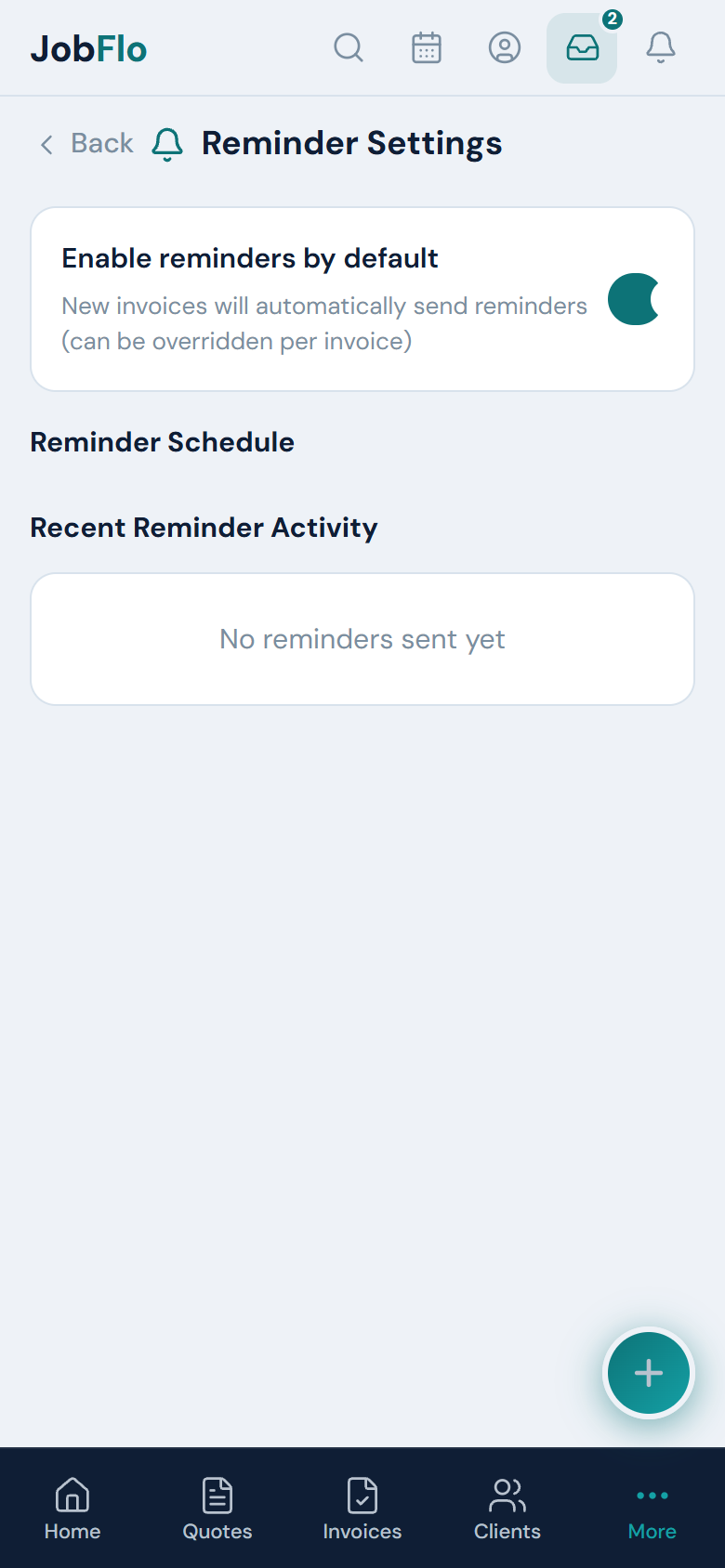
The default setting is just a starting point — you can turn reminders on or off for any individual invoice.
Was this article helpful?
Still stuck? Contact JobFlo