Help Centre / Account & Billing / Change your plan
Change your plan
Web onlyMove between Starter, Pro and Business, or switch between monthly and annual billing.
JobFlo has three plans: Starter, Pro and Business, each also available annually at a discount. You can move up or down whenever your needs change.
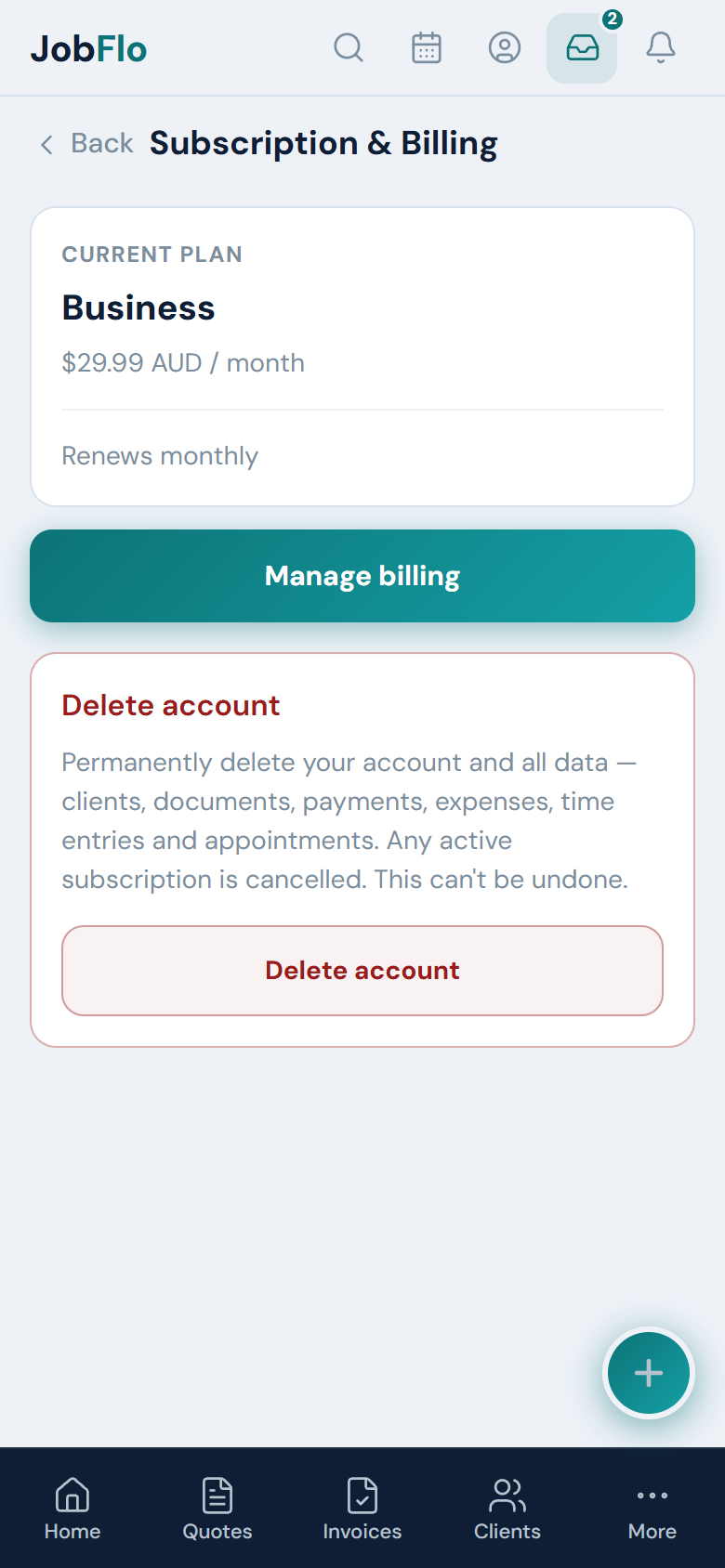
- Go to Profile → Subscription & Billing.
- If you are already subscribed, tap Manage billing to open the secure Stripe billing portal, then choose your new plan there.
- If you are still on a trial or not yet subscribed, tap Choose a plan and pick the one you want.
- Confirm — the change takes effect straight away and your next bill reflects the new plan.
Not sure which plan you need? Card payments, payment stages and full reports start on Pro. Automatic reminders, multiple team members and accounting exports are on Business.
Was this article helpful?
Related articles
Still stuck? Contact JobFlo