Help Centre / Clients / Adding a client
Adding a client
Save a customer's contact and address details so you can quote, invoice and schedule for them.
A client is anyone you do work for. Once they are saved you can pull them into quotes, invoices and appointments without retyping their details.
- Open the Clients tab from the bottom navigation.
- Tap Add Client (the + button in the top right).
- Enter the First Name and Last Name, or a Company Name — you need at least one of these.
- Add their Email and Phone if you have them.
- Start typing the address and pick it from the suggestions to fill in the street, suburb, state and postcode.
- Add anything worth remembering in Notes.
- Tap Add Client to save.
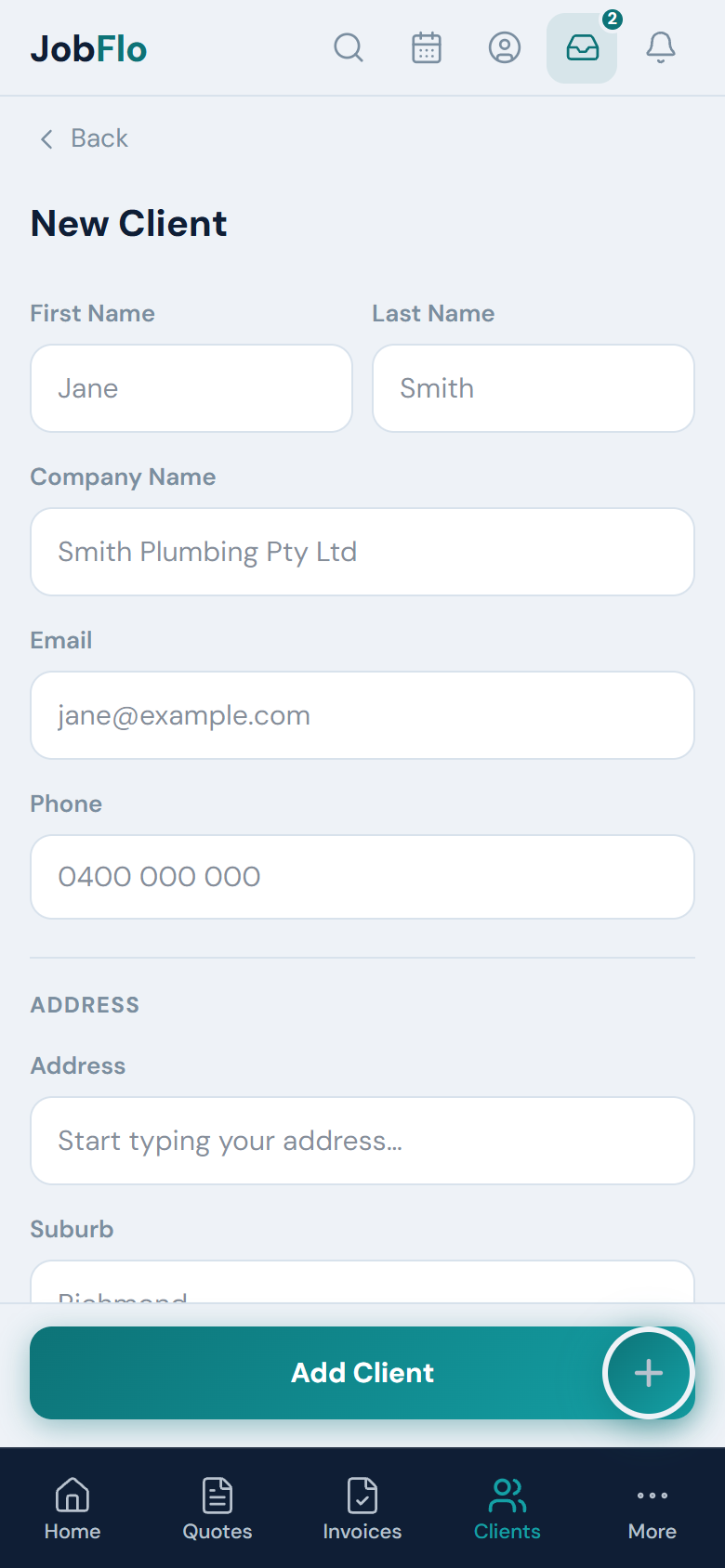
You don't need every field — a name is enough to get started, and you can fill in the rest later by editing the client.
Was this article helpful?
Related articles
Still stuck? Contact JobFlo