Help Centre / Expenses & Time / Logging an expense
Logging an expense
Record what you spent on materials, fuel and other job costs.
Logging expenses keeps track of what a job really cost you and feeds your reports, so you can see your true profit and stay on top of GST.
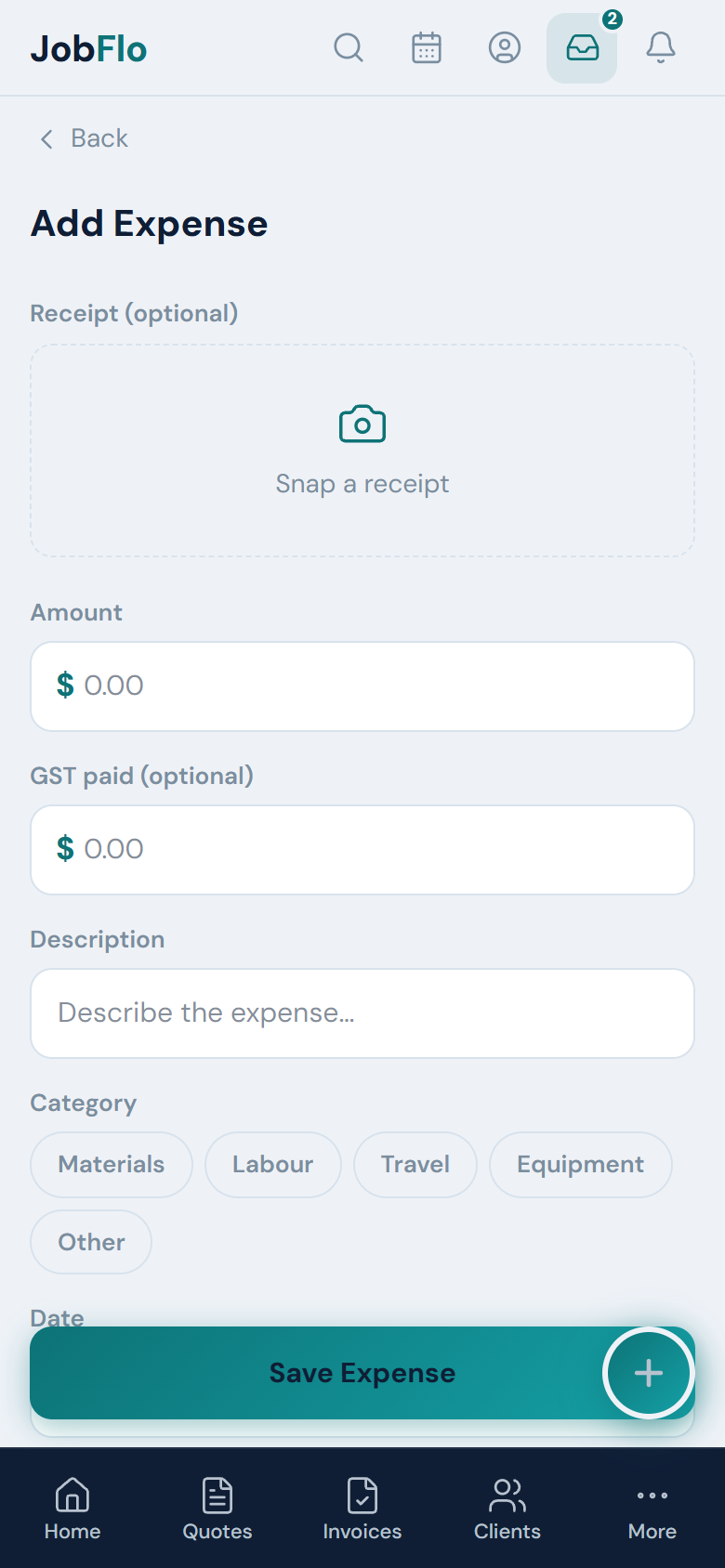
- Go to More, then Expenses, and tap Add.
- Optionally add a receipt at the top (see Snapping a photo of a receipt).
- Enter the Amount you paid.
- If you are registered for GST, enter the GST paid — or tap the 1/11 shortcut to work it out from the amount.
- Add a Description and pick a Category.
- Set the Date.
- Choose whether it is a General Overhead or attached to a specific Invoice, then tap Save Expense.
Attach an expense to an invoice when it belongs to a specific job so you can see that job cost; use General Overhead for running costs like insurance or fuel that are not tied to one job.
Was this article helpful?
Related articles
Still stuck? Contact JobFlo