Help Centre / Getting Paid / Record a manual payment
Record a manual payment
Log a payment you took by bank transfer, cash or cheque so the invoice shows the right balance.
When a client pays you outside of card — a bank transfer, cash or a cheque — record it against the invoice so the balance stays accurate. Card payments made through Stripe are recorded for you automatically, so you only need this for everything else.
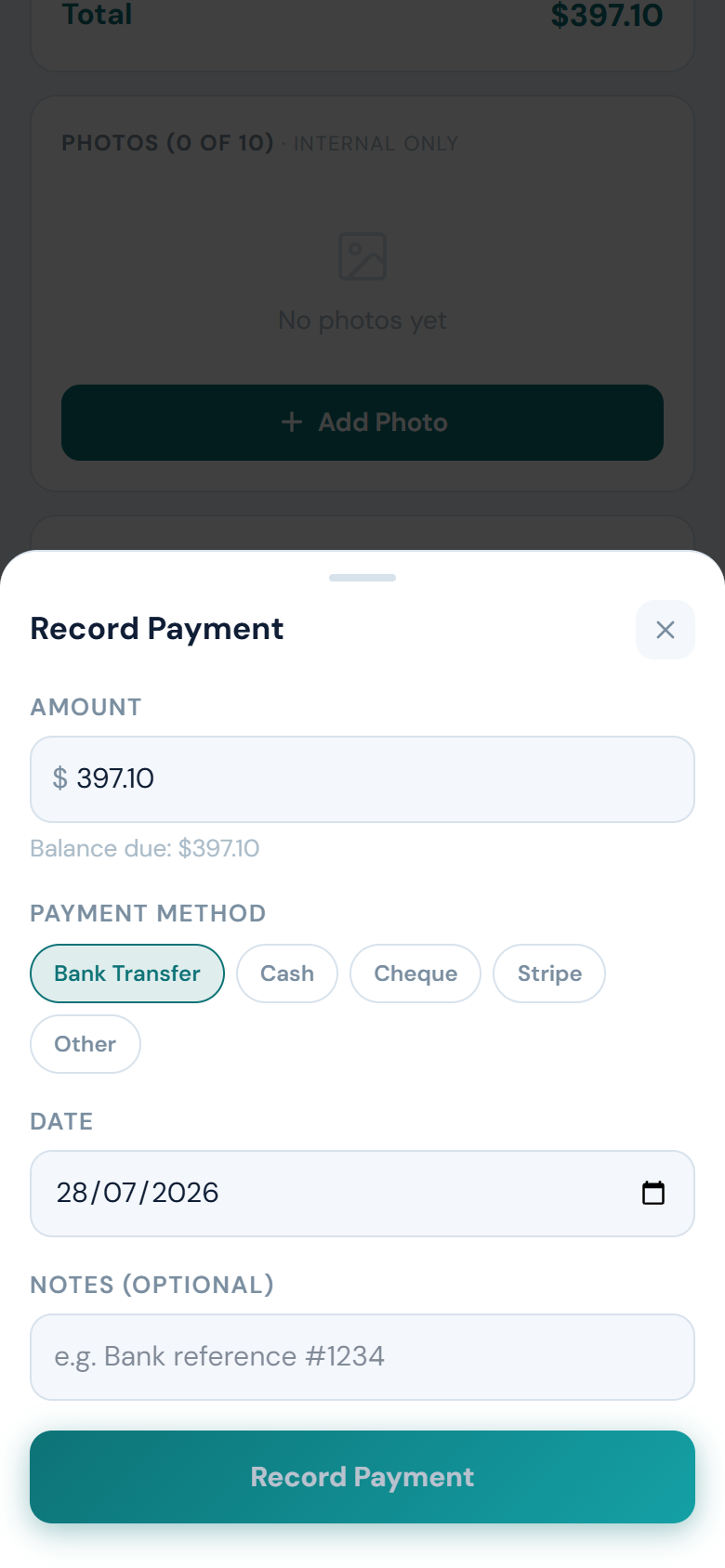
- Open the invoice and tap Record Payment.
- If the invoice is split into stages, pick which stage the payment is for.
- Enter the amount — it defaults to the balance due.
- Choose the payment method: Bank Transfer, Cash, Cheque, Stripe or Other.
- Set the date and add a note if you want, such as a bank reference.
- Tap Record Payment.
Once the recorded payments add up to the invoice total, the invoice is marked paid. A smaller amount is recorded as a part payment and the invoice shows the remaining balance due.
If you enter more than the balance owing, JobFlo asks you to confirm before recording it, so an accidental extra digit does not slip through.
Was this article helpful?
Related articles
Still stuck? Contact JobFlo