Help Centre / Getting Started / Create your JobFlo account
Create your JobFlo account
Sign up with your email, Google or Apple to start a free trial.
You can create an account with an email address and password, or with your Google or Apple account. No credit card is needed to get started — signing up starts a 14-day free trial automatically.
- On the JobFlo website, select Sign up. The mobile apps are for signing in to an account you already have.
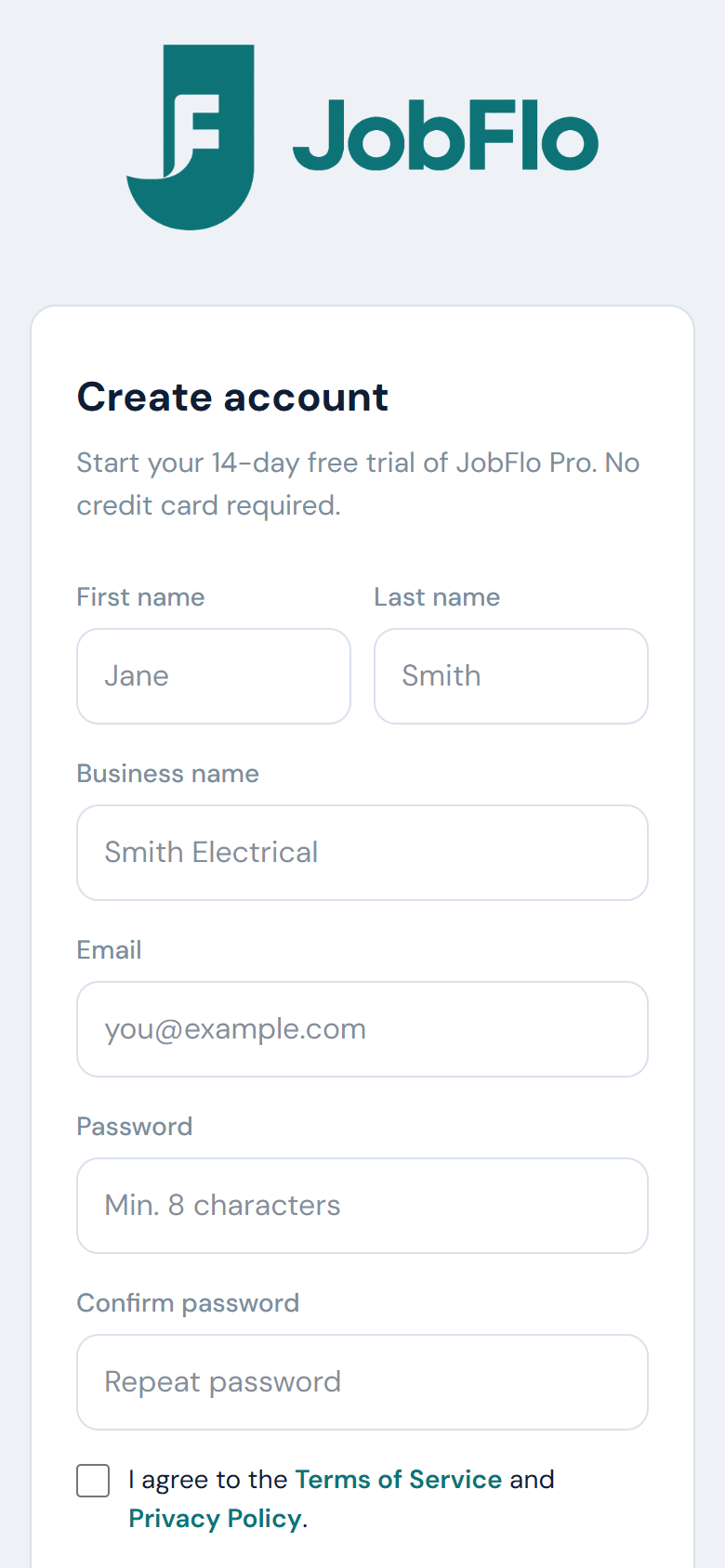
- Enter your first name, last name, business name, email, and a password (at least 8 characters).
- Tick the box to accept the Terms of Service and Privacy Policy.
- Tap Start free trial, or choose Continue with Google or Continue with Apple to sign up with an existing account instead.
- If you signed up by email, open the verification email we send you and tap the link to activate your account.
The email link finishes setting up your account, so open it on any device — you will land straight in the app. If it does not arrive, check your spam folder or use Resend email.
Signing up with Apple gives you the choice to Share My Email or Hide My Email. If you hide it, Apple gives us a private forwarding address instead of your real one — which is fine for signing in, but clients cannot reply to it.
Whichever way you sign up, set your Business email under More → My Business. That is the address clients see and reply to on your quotes and invoices, and it is separate from the one you sign in with — handy if you sign up with a personal address but want replies going to your business inbox.
Was this article helpful?
Related articles
Still stuck? Contact JobFlo