Help Centre / Getting Started / The guided onboarding walkthrough
The guided onboarding walkthrough
The five quick steps you see straight after signing up.
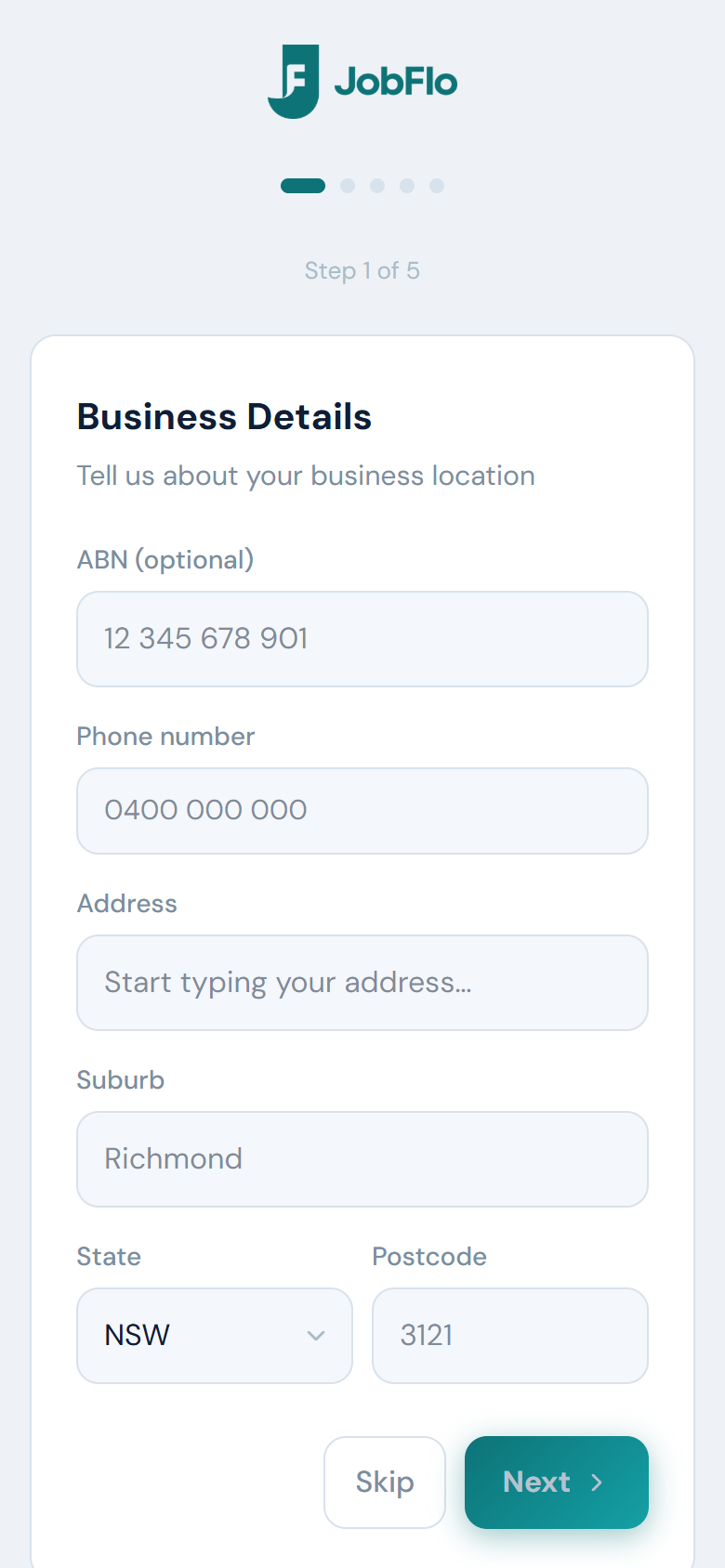
The first time you sign in, JobFlo walks you through a short five-step setup so your documents look right from your very first quote. You can skip any step and come back to it later in Settings.
- Business Details — add your ABN, phone number, business email and address. The business email is the one clients reply to, and is separate from the address you sign in with.
- Branding — upload your logo and pick a brand colour.
- Defaults — set your default payment terms, a note or footer for documents, your hourly rate, and whether you are GST registered.
- Document Layout — choose one of the five layouts for your quotes and invoices.
- You are all set — confirms your trial is active. Tap Finish Setup to go to your dashboard.
Nothing here is locked in. Everything you set during onboarding can be changed later under More, including your logo, brand colour, layout and default terms.
Was this article helpful?
Related articles
Still stuck? Contact JobFlo