Help Centre / Mobile App / Why can’t I subscribe or upgrade in the app?
Why can’t I subscribe or upgrade in the app?
App onlyPlans and billing are managed on the JobFlo website, not inside the phone app — here’s where to go.
You won’t see any "Choose a plan" or "Upgrade" buttons inside the phone app, and the subscription screen simply says subscription management isn’t available in the app. That’s expected. The App Store and Google Play don’t allow apps to take subscription payments through an outside checkout, so JobFlo keeps all billing on the website instead.
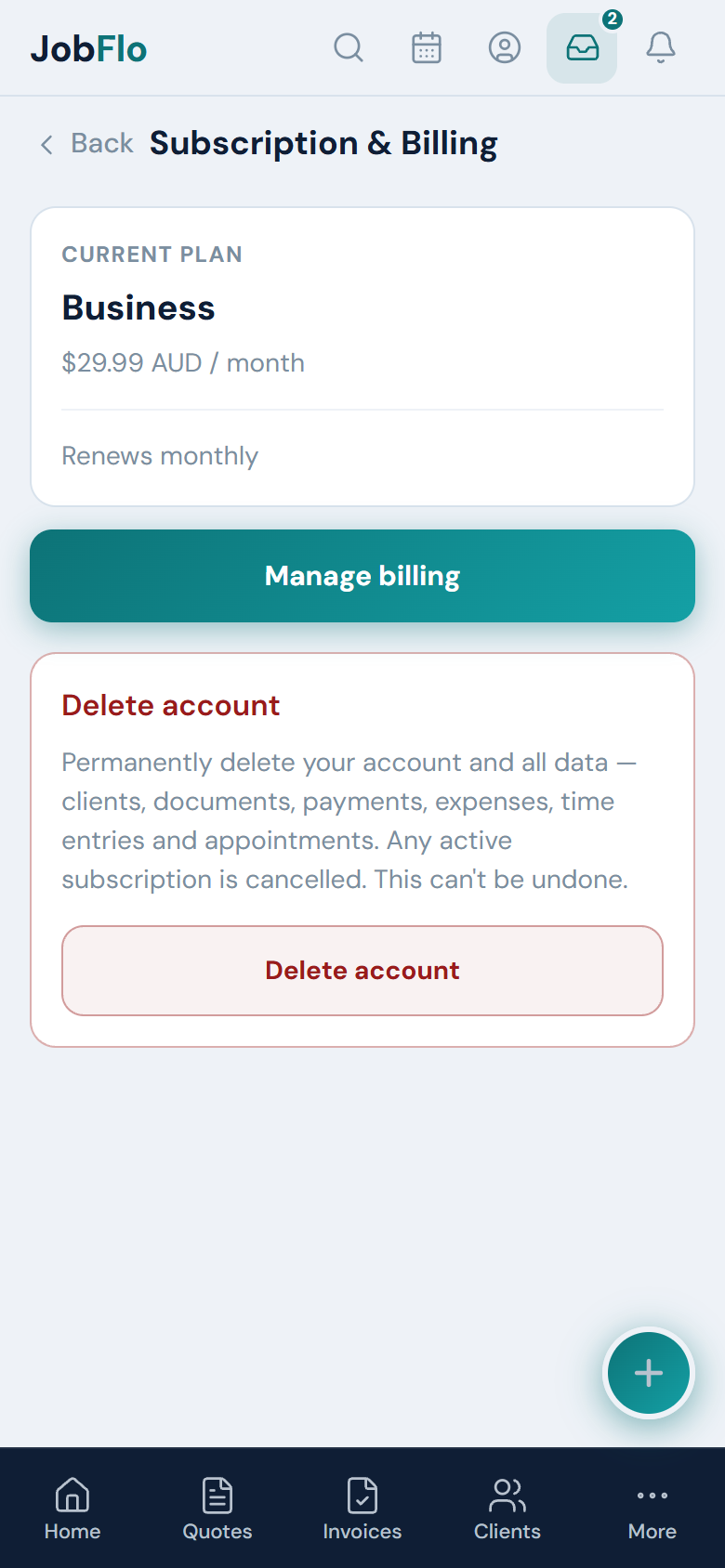
Where to manage your plan
Everything to do with your plan — choosing one, upgrading, updating your card, downloading invoices or cancelling — is done on the JobFlo website in any browser.
- Open jobflo.au in your phone or computer’s web browser (not the app).
- Sign in with your usual account.
- Go to Profile, then Subscription.
- Choose or change your plan from there, or open the billing portal to update your payment details.
Once you subscribe or upgrade on the website, the app picks it up automatically — you don’t need to reinstall or do anything else on your phone.
Was this article helpful?
Related articles
Still stuck? Contact JobFlo