Help Centre / Quotes & Invoices / Create your first quote
Create your first quote
Add a client, line items and pricing, then save or send.
A quote is built from a client, a list of line items, and your pricing. JobFlo works out the totals and GST for you as you go.
- Tap the + button (bottom right) and choose New Quote. You can also start one from the Quotes tab.
- Tap Select a client and pick who the quote is for.
- Under Line Items, give the item a name, an optional description, and set the quantity and unit price. Tag it as Labour, Materials or Other.
- Tap Add item to add more lines. Add a discount or notes if you need to.
- Tap Send Quote to email it to the client, or Save Draft to finish it later.
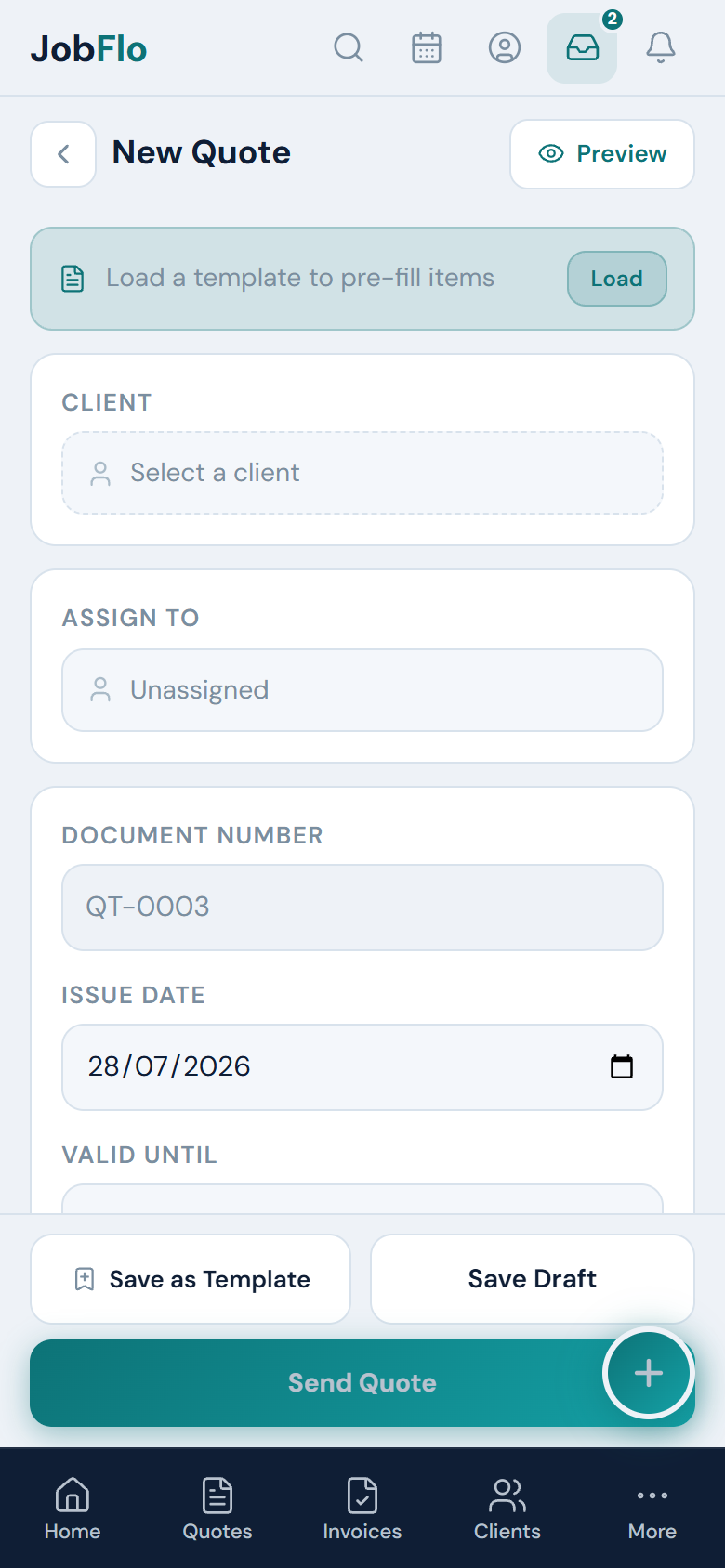
Tap Preview at any time to see exactly what your client will get. The Valid Until date defaults to 30 days out — change it if you want the quote to hold for longer or shorter.
Was this article helpful?
Related articles
Still stuck? Contact JobFlo