Your price list — reusing materials and labour
Save the materials and labour you quote all the time, with their prices, and drop them into any quote.
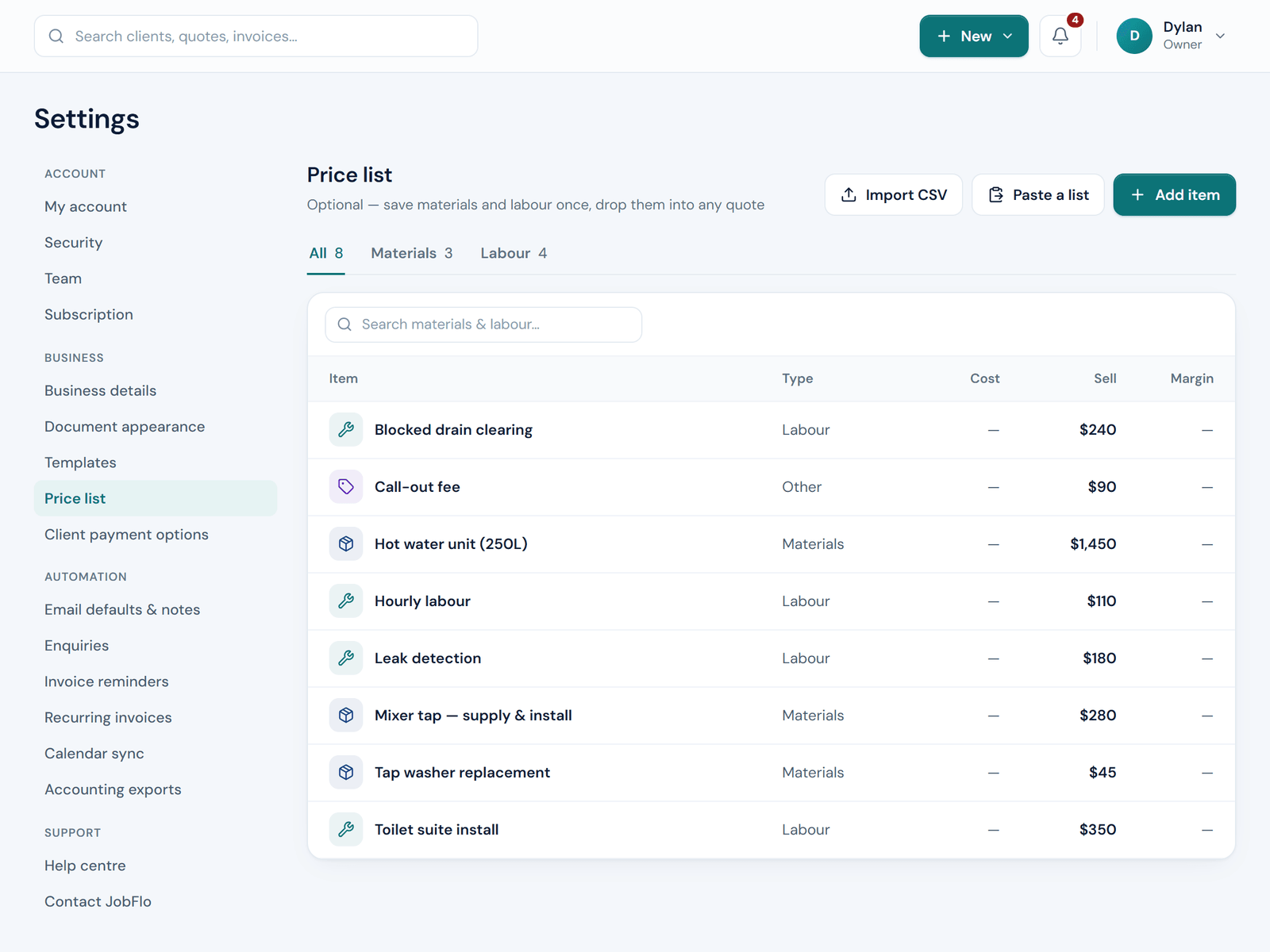
Your price list holds the things you quote again and again — a call-out fee, a hot water unit, an hour of labour — with their sell price, so adding them to a quote or invoice takes seconds.
- Open Settings → Price list on a computer, or More → Price list in the app.
- Select Add item, give it a name and a type, and set the sell price.
- Or, while building a quote, select the bookmark icon on any line to save it (with its price) to your price list.
- To use an item: in the builder, select Add from your items on a computer (in the app, tap the library icon next to Add item), search, and pick it.
Costs, margins and stock (Pro and Business)
- Add a cost price, unit and supplier to an item and JobFlo shows your margin.
- Set a default markup in your business settings and the sell price fills itself in from the cost.
- Bring in a supplier price list with Import CSV, or copy a table and use Paste a list.
- Turn on Track stock to record how many you have on hand and get flagged when an item runs low. It never stops you quoting or invoicing.
Saving an item that already exists updates the saved copy with the latest price, so your price list stays current.
Was this article helpful?