Help Centre / Quotes & Invoices / Using templates for quotes and invoices
Using templates for quotes and invoices
Save a set of line items once and reuse it on new documents.
If you quote similar jobs often, a template saves you rebuilding the same list every time. A template holds a set of line items you can drop into any new quote or invoice.
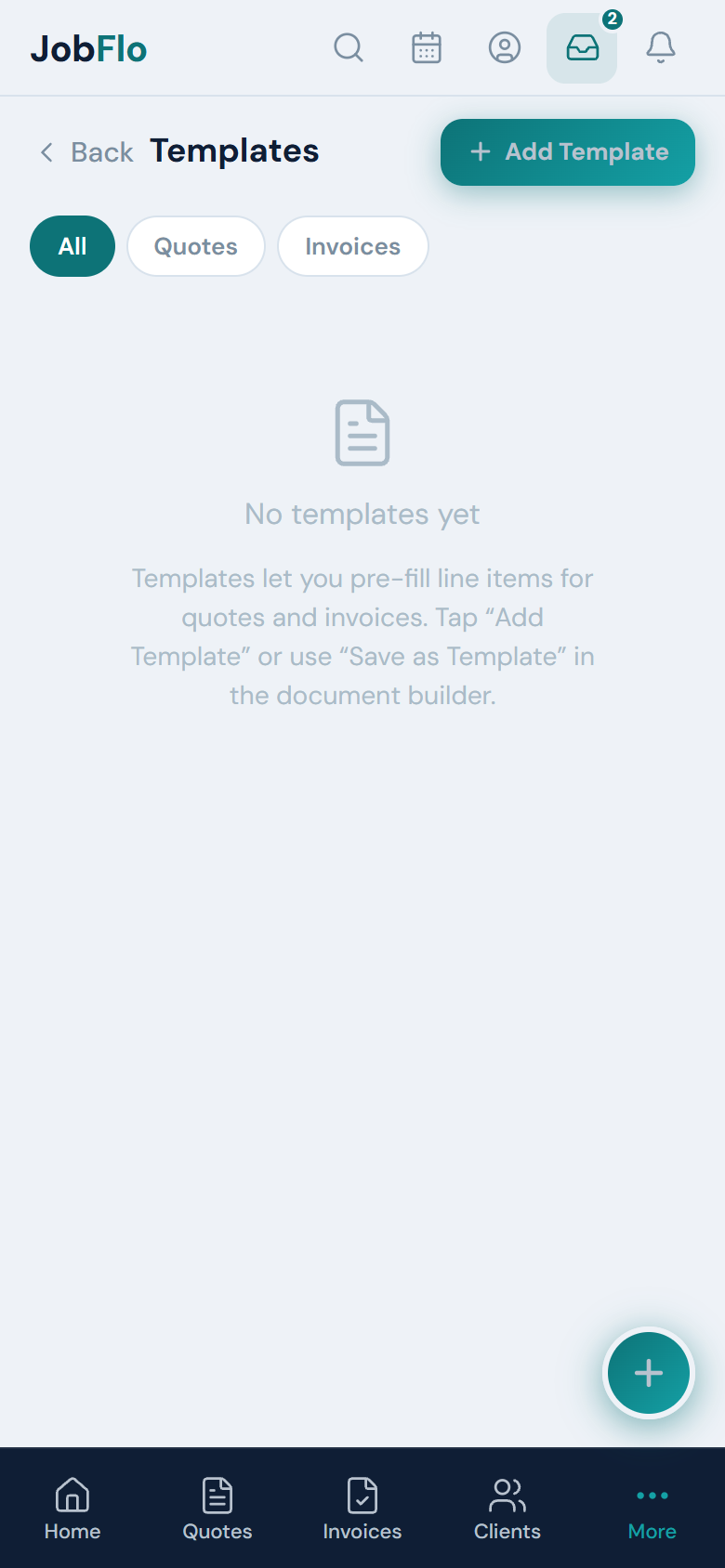
- To make one from scratch: tap More, then Templates, then Add Template, and choose Quote or Invoice.
- To make one from a document you are building: tap Save as Template in the builder.
- To use a template: in a new quote or invoice, tap Load on the template banner and pick your template. Its line items fill in for you.
Starter includes up to 3 templates. Pro and Business have unlimited templates.
Was this article helpful?
Related articles
Still stuck? Contact JobFlo