Turning an enquiry into a client, quote or job
Reply in one tap, then convert the enquiry into a client and go straight to a quote or a booking.
Leads go cold fast, so everything you need to follow one up is on the enquiry itself.
- Open the enquiry from your inbox.
- Use Call, Text or Email to get back to them in one tap. The enquiry moves to Contacted.
- Select Convert to client. If their phone number or email already belongs to one of your clients, JobFlo tells you it looks like a returning customer and links it to that client instead of making a duplicate.
- Choose what happens next: Create quote, Book appointment, or Just save as client.
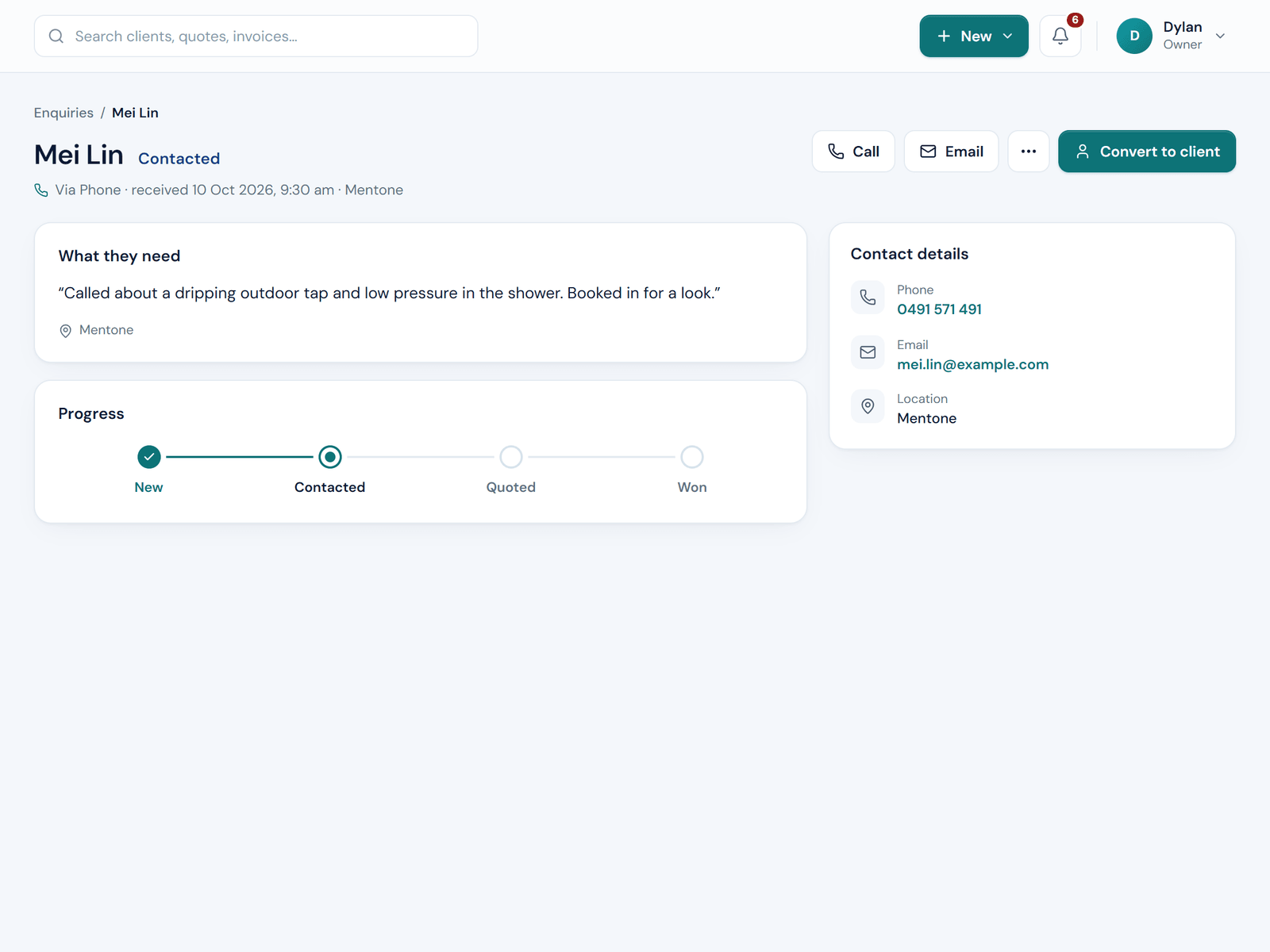
The suburb or location from the enquiry is saved to the client’s notes, not their billing address — so nothing unexpected prints on your invoices. Add their full address when you have it.
Was this article helpful?